Legacy System Integration Without a Rip-and-Replace
Legacy system integration fixes costly workflow gaps without replacing the software your team uses for claims, cases, jobs, billing, and daily compliance.
A dental practice can receive an insurance EFT on Tuesday, see it land in the bank, and still have it sitting unposted in the practice management system three weeks later. The problem is not necessarily the practice software. It may be doing exactly what it was built to do. The gap is the work between the bank record, payer remittance, attachment, and staff follow-up.
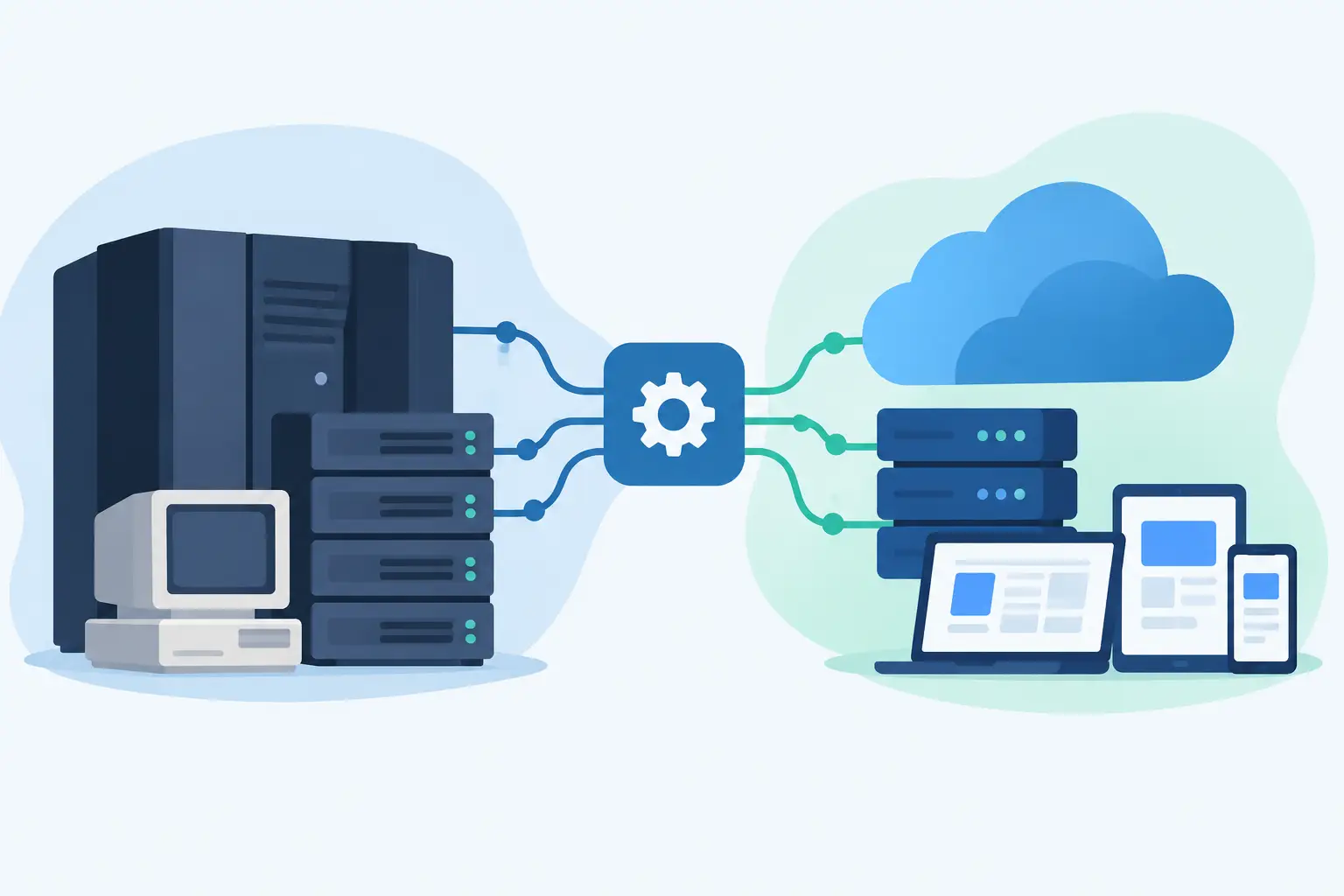
That is where legacy system integration earns its keep. It connects the systems you already depend on, then puts control around the workflow where money, deadlines, or documentation currently fall through. No forced migration. No six-month software replacement program. Fix the failure first.
Why replacement is usually the wrong first move
Operators are often told that their existing software is old, limited, or not built for automation. Sometimes that is true. But replacing a core system is expensive because the license is only one part of the cost. Staff retraining, historical data cleanup, process redesign, downtime, custom reporting, and vendor dependency all show up later.
For a small law firm, the case management platform may be imperfect but still hold years of matter history, contacts, documents, time entries, and billing records. For a property manager, the accounting system may be awkward but still reconcile the books every month. Throwing it out because one workflow is broken is like replacing a building because one door will not close.
The more useful question is narrower: where does the work stop moving?
Maybe settlement funds are received but the trust funding checklist never gets completed. Maybe supplier invoices arrive by email and are not matched against job records until a project manager starts asking why margin disappeared. Maybe a security deposit notice deadline is tracked in a spreadsheet that only one person understands.
Those are workflow failures. They can often be fixed beside the existing system.
What legacy system integration actually means
Legacy does not always mean ancient. It can mean any software your operation cannot casually replace: a practice management platform, accounting package, case management system, field-service tool, shared inbox, document repository, or custom database built by a former employee.
Integration is not simply moving data from one screen to another. A useful integration establishes four things: what event starts the process, what information must be collected, who approves an action, and where the final record belongs.
Consider insurance payment posting. A practical workflow can watch for new payer remittances, identify the patient and claim details, compare expected and received amounts, flag exceptions, and present a staff member with a review queue. After approval, it can write the result into the designated system or prepare a clean posting packet when direct write access is unavailable.
The LLM is not the product. The workflow is. Document extraction may help read a remittance or invoice, but it does not decide whether an adjustment is valid, a trust account should be funded, or a tenant deadline has been met. Those decisions need rules, evidence, and an accountable person.
The integration may use APIs, files, or human review
Not every older platform has a clean API. That does not end the project. It changes the design.
When an API exists, the integration can securely read or write approved data directly. When it does not, scheduled exports, secure email intake, spreadsheet imports, browser-based steps, or a purpose-built review screen may be appropriate. The right approach depends on volume, error tolerance, vendor rules, and the consequences of a bad update.
A browser automation that logs into a system can be useful for a stable, repetitive task. It is also more fragile than an API because a vendor interface change can break it. A daily CSV import may feel less elegant, but it can be more reliable and easier for staff to audit. The goal is not technical theater. The goal is a process that keeps working.
Start with the money or deadline at risk
Most integration projects get vague when they start with systems: “We need our CRM to talk to our accounting software.” That statement says nothing about the business failure.
Start with the missed outcome instead. “A completed roofing job is not marked paid when the insurance check arrives.” “Medical record requests are not chased before a case deadline.” “Move-out charges are not sent before the statutory deposit deadline.” Now the work can be measured.
A disciplined discovery process follows one transaction from beginning to end. Ask where it enters, what documents accompany it, which systems hold the facts, who touches it, and what proves completion. Then inspect the exceptions. Exceptions are where administrative work becomes expensive.
A home service business may have a clean happy path for supplier bills tied to a single job. The actual risk may be invoices with incomplete job codes, duplicate bills, partial deliveries, or materials purchased for a warranty callback. Build for those cases. Otherwise, you have automated the easy 70 percent and left staff with the costly 30 percent.
Design the workflow before choosing the tool
The best integration work looks boring on paper. It has clear stages, ownership, and a visible audit trail.
For example, a legal settlement closeout workflow might begin when a settlement document reaches a monitored inbox. The system extracts key dates and amounts, creates a matter-specific checklist, and checks whether required disbursement details are present. It does not release funds on its own. The responsible attorney or authorized staff member reviews the record, confirms the figures, and documents approval before the next action occurs.
That design matters for two reasons. First, it prevents automation from making irreversible decisions with incomplete context. Second, it gives the firm evidence of what happened, when it happened, and who approved it.
The same principle applies in dental and property operations. A tool can identify likely unposted payments or approaching notice deadlines. It should make the next action easier, not hide the decision inside a black box.
The data questions that decide whether it works
Integration problems are often blamed on software when the real issue is inconsistent data. A patient name may be written differently across a remittance, bank transaction, and practice system. A job number may be missing from an invoice. A property may have two common names but one accounting code.
Before development begins, define the records that must match and the rules for matching them. Decide what counts as a confident match, what creates an exception, and who resolves it. Do not quietly force uncertain records through just to make a dashboard look complete.
You also need to decide what data should not move. A workflow may only need a matter number, due date, document status, and assigned staff member. Pulling a full client file into another application creates more security exposure without improving the process.
Access should be scoped by role. Logs should record meaningful actions. Sensitive documents should have retention rules. In regulated or high-liability workflows, these details are not extras. They are part of the product.
Build in short stages, not one big reveal
A fixed scope does not mean pretending every unknown is known on day one. It means setting clear boundaries and making decisions early.
A sensible build starts with a working map of the current process and representative sample records. Next comes a narrow prototype that proves the hard part: reading the source data, matching records, or creating the review queue. After that, the full workflow is built around the approved design, tested against normal and exception cases, and released with staff training and a support plan.
Visible progress matters. By the first weeks, an operator should be able to see the workflow, challenge the assumptions, and test real examples. If a builder cannot explain what happens when a record does not match, the project is not ready for launch.
Tunovix approaches this work as a tightly scoped operational tool, not an excuse to sell an enterprise transformation. The delivered code should be understandable, the pricing should be clear, and the human approval point should be explicit.
When not to integrate
There are cases where a replacement is justified. If the current vendor cannot provide required security controls, cannot export your data, regularly loses records, or prevents a legally necessary process, an adjacent tool may only delay a bigger decision.
Integration is also a poor answer for a process nobody has defined. If three staff members handle the same event three different ways, first decide which way the business wants it handled. Automating disagreement produces faster disagreement.
But many businesses do not need a new operating system. They need one dependable bridge across a known gap, with exceptions routed to the right person before the gap costs them cash or creates exposure.
Pick one failure that staff can describe without a meeting. Put a number on its cost. Then build the smallest controlled workflow that makes that failure visible and harder to repeat.

Custom Software Integration: Planning and Strategy Guide
Custom Software Integration: Planning and Strategy Guide
What custom software integration is, how to plan it, how it is built and secured, and what it costs to connect the systems your practice already runs.

How to Reconcile Trust Deposits Without Gaps
Learn how to reconcile trust deposits using a monthly workflow that catches unfunded matters, posting errors, and bank-to-ledger gaps early so they don't grow.

How to Scope Software Projects Without Surprise Costs
Learn how to scope software projects around the workflow, data, approvals, and outcomes that matter - before budget, timeline, and trust get lost.
Have a product in mind? Let's scope it this week.
A 30-minute call gets you a rough timeline and cost — no obligation, no sales deck.