Three Gotchas From Making a Worker Agent-Ready
A self-fetch that needs two different mechanisms depending on the URL, a JWS signature Node signs the wrong way by default, and zod schemas that quietly drift from real code.

Three Gotchas From Making a Worker Agent-Ready
Three Small Bugs, One Theme
Wiring up an MCP server, a signed Agent Card, and the tooling behind both on a single Cloudflare Worker surfaced three separate gotchas — none of them big individually, all of them the kind that fail quietly instead of loudly. None showed up in a type error or a lint warning. Two showed up as a monitoring false-positive and a signature that verified-but-shouldn’t-have; the third would only have shown up the first time a calculator’s option list changed and a tool schema didn’t change with it.
Part 1: a Worker can’t reliably fetch its own zone
The /status page needed to check whether the site itself was actually up. The obvious approach — fetch('https://tunovix.com/') from inside the Worker — looked correct and passed locally. In production it produced an intermittent “Site: Down” reading that had nothing to do with whether the site was actually down.
The tell was the timing: a genuine origin timeout takes seconds. This failure came back in about 30 milliseconds — too fast to be the network, which meant it wasn’t really trying. A Worker making an outbound fetch() to its own public hostname is a known Cloudflare edge case: the request can get rejected as a loop/self-reference before it ever leaves the edge, producing a fast, wrong “down” answer instead of an honest slow one.
The fix was to stop going out to the internet to check something the Worker already had direct access to:
// Site: checked via the ASSETS binding directly — the mechanism that
// actually serves the homepage on this Workers + assets deploy — not a
// self-referential fetch('https://tunovix.com/').
const res = await assets.fetch(new Request('https://tunovix.com/'))
Same logic applies to the MCP health check on that same page: instead of the status endpoint sending an HTTP request back to its own /mcp route, it calls the exported mcpHandler function directly, in-process, with a real tools/call payload. Same result, zero self-fetch. The lesson looked closed.
The same bug, one layer deeper
It reopened almost immediately on a harder self-check: the site’s AI Discoverability Checker, a tool that live-audits any URL’s robots.txt, sitemap, llms.txt, structured data, and agent-discovery files. Pointed at a third-party domain it worked immediately. Pointed at tunovix.com itself, every check failed — robots.txt “not found,” llms.txt “not found,” the A2A Agent Card and MCP Server Card “not found” — despite all four being demonstrably live when opened directly in a browser.
Routing the self-check through the ASSETS binding, the same fix that closed Part 1’s first bug, fixed some of those and immediately regressed robots.txt to a clean 404. Not the 30ms transport failure from before — ASSETS correctly reporting the file doesn’t exist. Because it doesn’t: robots.txt isn’t a file in .output/public/. @nuxtjs/robots generates it dynamically, per request, as a Nitro server route. The ASSETS binding only serves what was actually written to disk at build time; it has no visibility into Nitro’s own routing.
The obvious next step — fall back to Nitro’s own internal fetch, $fetch.raw(), which dispatches to a route inside the same running Worker with no network hop — brought robots.txt back. It also broke llms.txt and both .well-known/*.json agent cards, which had been working a moment earlier.
The cause is the mirror image of the first regression. llms.txt and the .well-known cards genuinely are plain static files, but on this deploy shape — Cloudflare Workers plus a Static Assets binding, no traditional origin — Cloudflare serves a matching static file straight off ASSETS before the request ever reaches Nitro’s own app. $fetch.raw() only ever sees routes Nitro itself registered; a pure static file was never one of them, so from Nitro’s perspective the URL doesn’t exist either — 404, for the opposite reason ASSETS 404’d on robots.txt.
The real fix needed both, tried in order:
async function fetchText(url: string, event: H3Event | undefined, init: RequestInit = {}) {
  const parsed = new URL(url)
  if (SELF_HOSTNAMES.has(parsed.hostname)) {
    const path = parsed.pathname + parsed.search
    // Static files (llms.txt, .well-known/*.json, the homepage) are
    // served straight off ASSETS, ahead of Nitro's own app.
    const viaAssets = await fetchViaAssets(event, path, init)
    if (viaAssets) return viaAssets
    // Dynamic Nitro routes (robots.txt, generated live by @nuxtjs/robots)
    // never touch ASSETS — only Nitro's own in-process dispatch sees them.
    const res = await $fetch.raw(path, { responseType: 'text', ignoreResponseError: true })
    return { ok: res.status >= 200 && res.status < 300, status: res.status, headers: res.headers, body: res._data ?? '' }
  }
  // A normal third-party URL — a plain outbound fetch is correct here.
  const res = await fetch(url, { ...init, redirect: 'follow' })
  return { ok: res.ok, status: res.status, headers: res.headers, body: await res.text() }
}
Try the binding first; fall back to Nitro’s own router for whatever it doesn’t recognize. Every check passed after that, self-checking tunovix.com and checking an external domain like stripe.com, with no regression either way.
One sharp edge sits next to this fix: ASSETS.fetch() wants an actual Request object, but handing a bare Request to the global fetch() breaks in local dev — the Cloudflare dev emulation throws Failed to parse URL from [object Request], where production doesn’t care. The two calls look interchangeable and aren’t; mixing them up only shows up in one specific environment.
The generalizable version: on Cloudflare Workers with a Static Assets binding, “self-fetch” is two mechanisms, not one — a binding that sees only what was written to disk, and a framework router that sees only what it registered — and checking a mix of static and dynamic URLs has to ask both, in order, instead of assuming either one covers “the site.”
Part 2: Node signs JWS signatures wrong by default
Signing the site’s Agent Card — the A2A protocol’s machine-readable identity document — needs an ES256 (ECDSA P-256 + SHA-256) signature in JWS format. Node’s crypto.createSign('SHA256').sign(key) does ECDSA P-256 + SHA-256 correctly. It just doesn’t output the bytes JWS expects.
Node’s default signature encoding is DER: a structured, self-describing wrapper around the r and s values. JOSE/JWS wants the opposite — raw, fixed-length r || s bytes, no wrapper, known as IEEE P1363. Sign with the default and every step up to and including “did the signature verify” can look fine in ad hoc testing, right up until a strict JOSE verifier rejects it for being the wrong shape entirely — not a wrong signature, a differently-encoded-but-otherwise-valid one.
The fix is a single option most people never have a reason to look for:
const sign = createSign('SHA256')
sign.update(signingInput)
sign.end()
// ES256 = ECDSA P-256 + SHA-256, IEEE P1363 (raw r||s) — what JWS expects,
// not the DER format node's default 'sign' output uses.
const signature = sign.sign({ key: privateKeyObject, dsaEncoding: 'ieee-p1363' })
dsaEncoding: 'ieee-p1363' is the whole fix. It’s been a documented option on Node’s sign() since Node 12; it’s just not the default, and DER is the format everything else in Node’s crypto APIs quietly assumes you want. If you’re hand-signing anything JOSE/JWS/JWT-shaped with Node’s native crypto instead of a library like jose, this is the one line worth double-checking before you trust a green checkmark.
Part 3: a tool schema is only correct until someone changes the calculator
The site’s MCP server exposes eight calculator tools among its full set (22 total today), each with a zod inputSchema describing valid inputs — website type, app platform, design tier, and so on. The first draft hand-typed each one:
const siteType = z.enum(['landing', 'marketing', 'ecommerce', 'webapp'])
That’s correct on the day it’s written, and silently wrong the next time someone adds a site type to the calculator’s own UI and forgets the MCP schema exists. Nothing breaks loudly — the tool just quietly stops accepting (or worse, stops rejecting) a value the real calculator now supports, and no test catches it because the schema and the calculator were never actually connected to begin with.
The fix was to stop retyping the valid values anywhere, and derive the zod enum directly from the calculator’s own exported label objects:
function enumFromKeys<T extends string>(record: Record<T, unknown>) {
  const keys = Object.keys(record) as [T, ...T[]]
  return z.enum(keys)
}

const websiteTypeEnum = enumFromKeys(WEBSITE_TYPE_LABELS)
WEBSITE_TYPE_LABELS is the same Record<SiteType, string> the calculator UI already uses to render its own dropdown options. enumFromKeys just reads its keys. Add a site type to the calculator, and the MCP tool’s schema is correct automatically — there’s no second place to remember to update, because there’s no second definition. All eight calculator tool schemas on /mcp are derived this way now. It’s not a clever pattern; it’s closing off the specific way “the schema” and “the thing the schema describes” were two different pieces of code that happened to agree, until they didn’t.
What these three have in common
None of these were caught by a type checker, because all three were type-correct — a valid fetch() call, a valid signature, a valid (that day) enum. They’re the category of bug that only shows up when you ask “is this actually testing what I think it’s testing” instead of “does this compile.” Worth an explicit pass on any Worker that talks to AI agents specifically, since a wrong self-check, a silently-invalid signature, or a schema that’s drifted from reality are all things an agent will hit before a human notices.
If you’re building something similar — an MCP server, a signed identity document, tool schemas that need to stay honest — and want a second pair of eyes on it before it ships, get in touch. The AI Agent Cost Calculator is a reasonable starting point if you’re still scoping what this would even cost.
MCP Went Stateless: The 2026-07-28 Spec Change, Explained
MCP Went Stateless: The 2026-07-28 Spec Change, Explained
MCP's 2026-07-28 revision removed sessions and the initialize handshake. Here's what changed, why it matters on Workers, and what our own MCP server does about it.
Markdown vs HTML: What AI Actually Cites (Real Data)
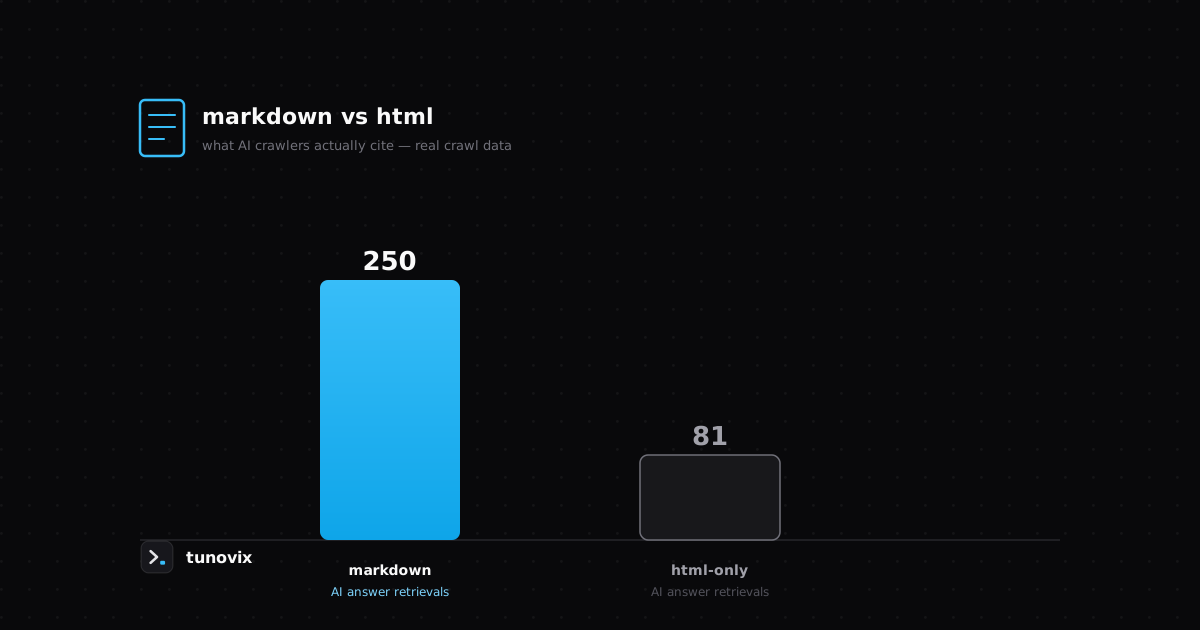
We compared markdown mirrors against a comparable HTML-only site using real Cloudflare crawl data — here's the actual difference in AI citations, not a guess.
What It Actually Costs to Maintain a Client's AI Workflow
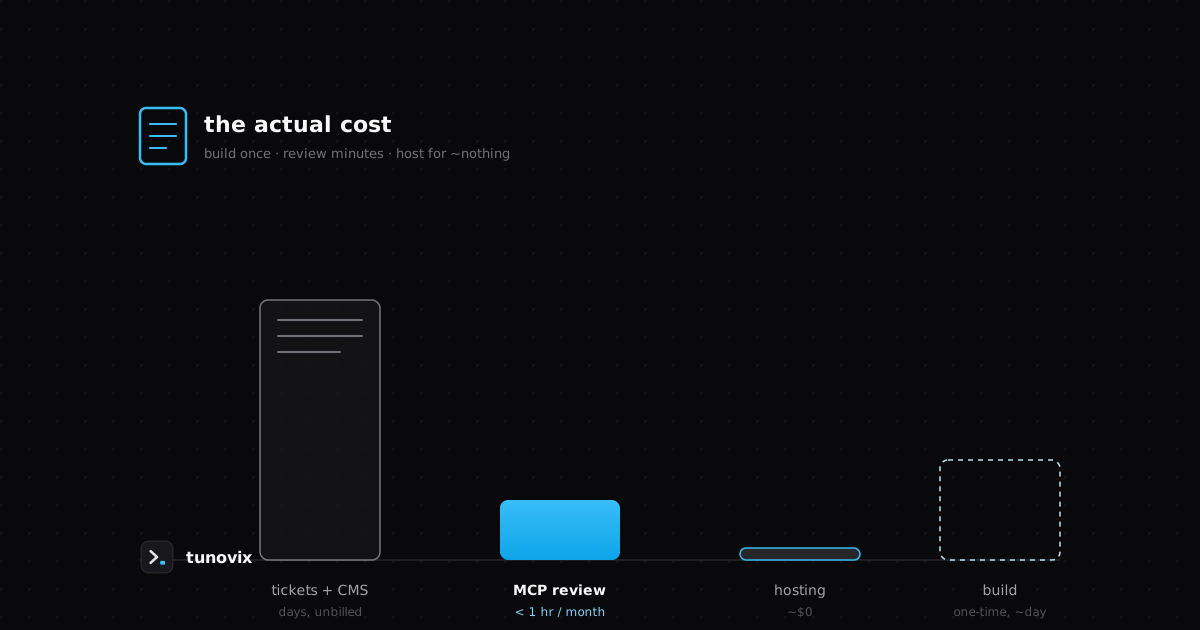
A concrete cost breakdown of running a scoped MCP server for client fixes — build time, review overhead, hosting — compared to a CMS and ticketing stack.
Have a product in mind? Let's scope it this week.
A 30-minute call gets you a rough timeline and cost — no obligation, no sales deck.